Façade for Mac
A photographic workspace
for your agent.
Browse a shoot, edit a photograph, or find a visual reference with the agent you already use. Façade keeps your projects, revisions and reference collection on your Mac, ready to return to.
Your photographs and the references you choose give the agent context. You set the direction and decide what works.
Here’s an example01 / Berlin
Start with a photograph.
Real photographs and edits.
Illustrative conversations.
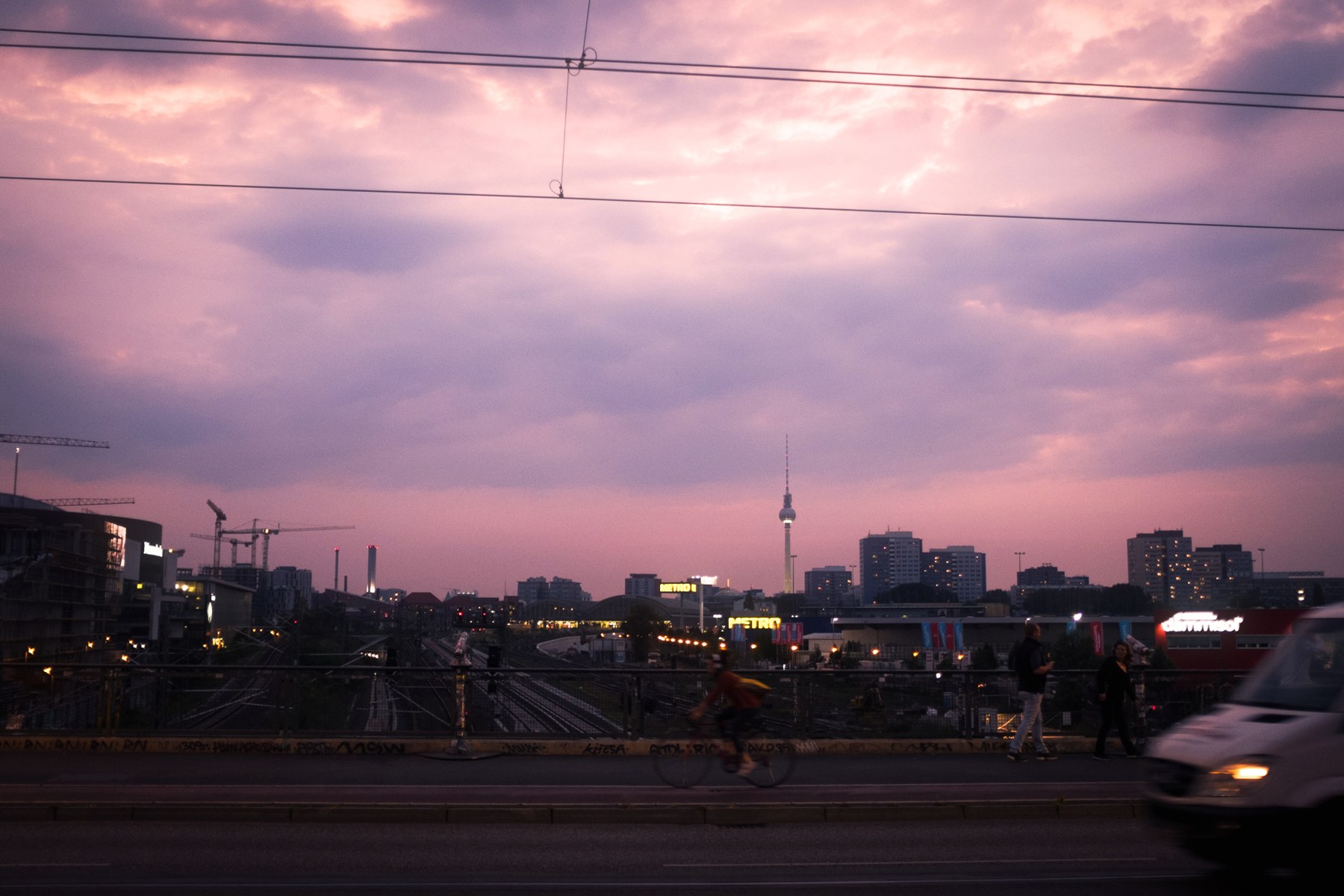
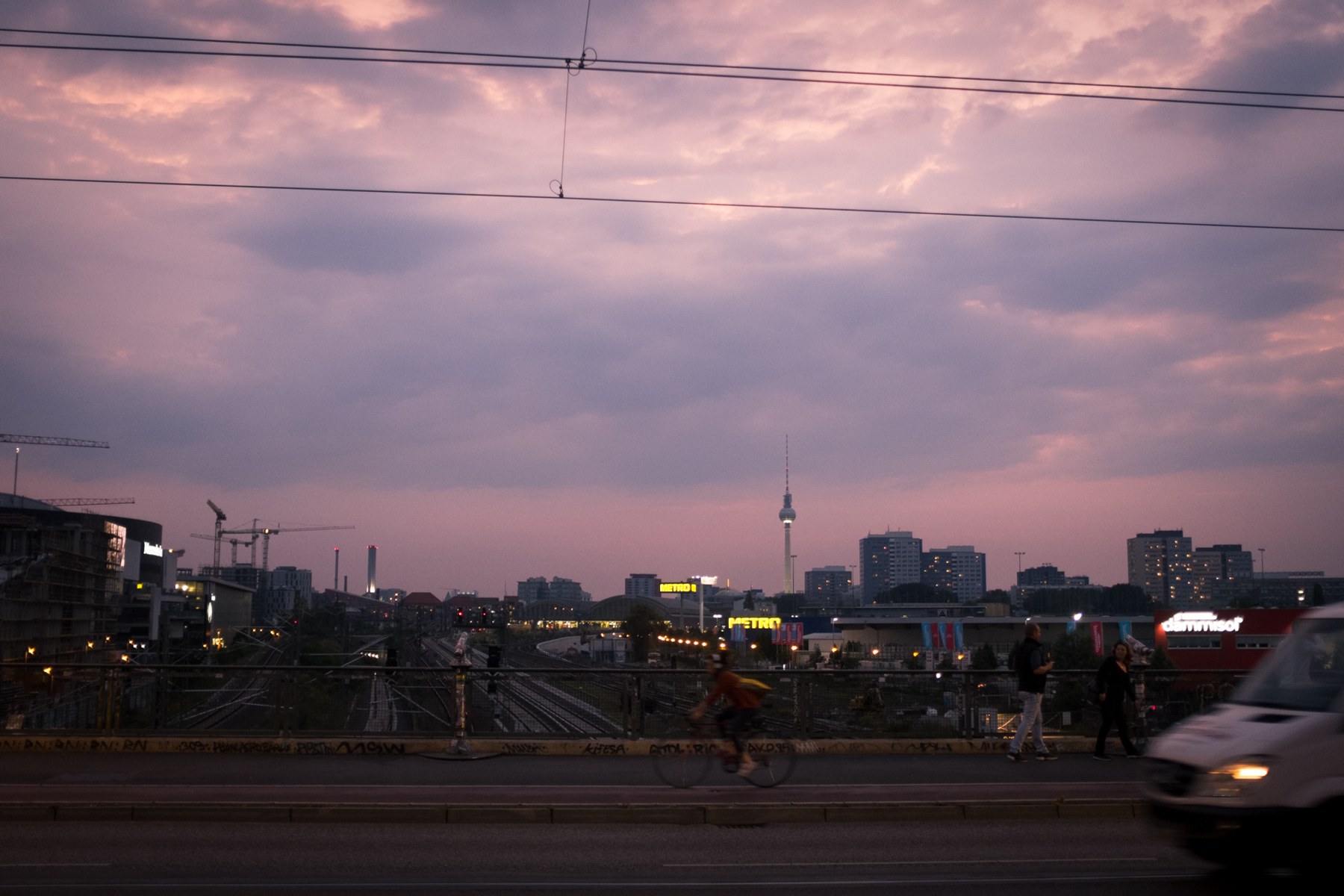 OriginalThe edit
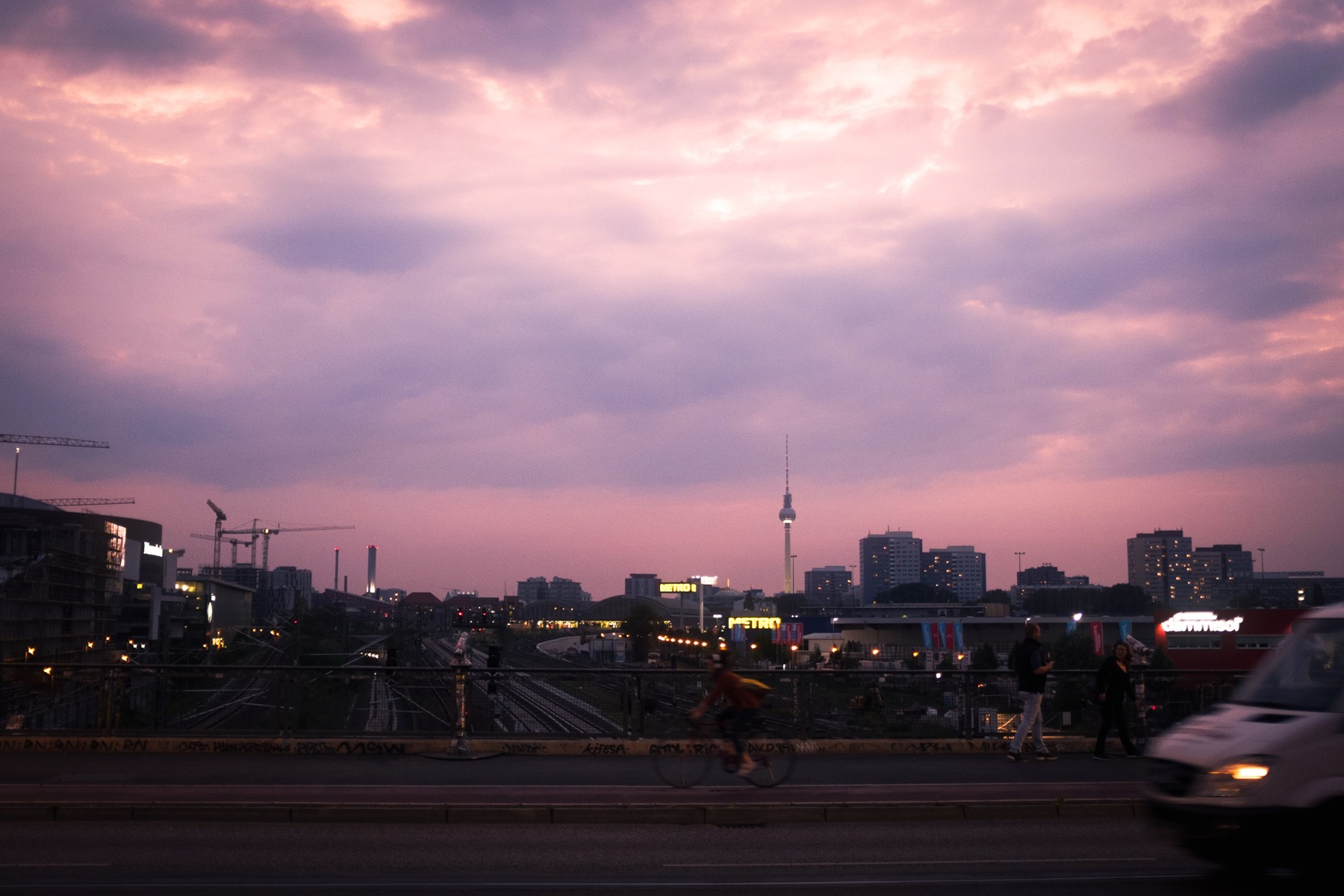 With wiresWithout wires
02 / Visual Memory
Keep photographs you like.
Ask your agent to save a photograph you like to your reference collection, or add it to the folder yourself. Façade indexes the collection so your agent can find references for the look you have in mind.
A color, a texture, a kind of light. Choose what matters for this photograph, together.
Your collection supplies the references. No model training.
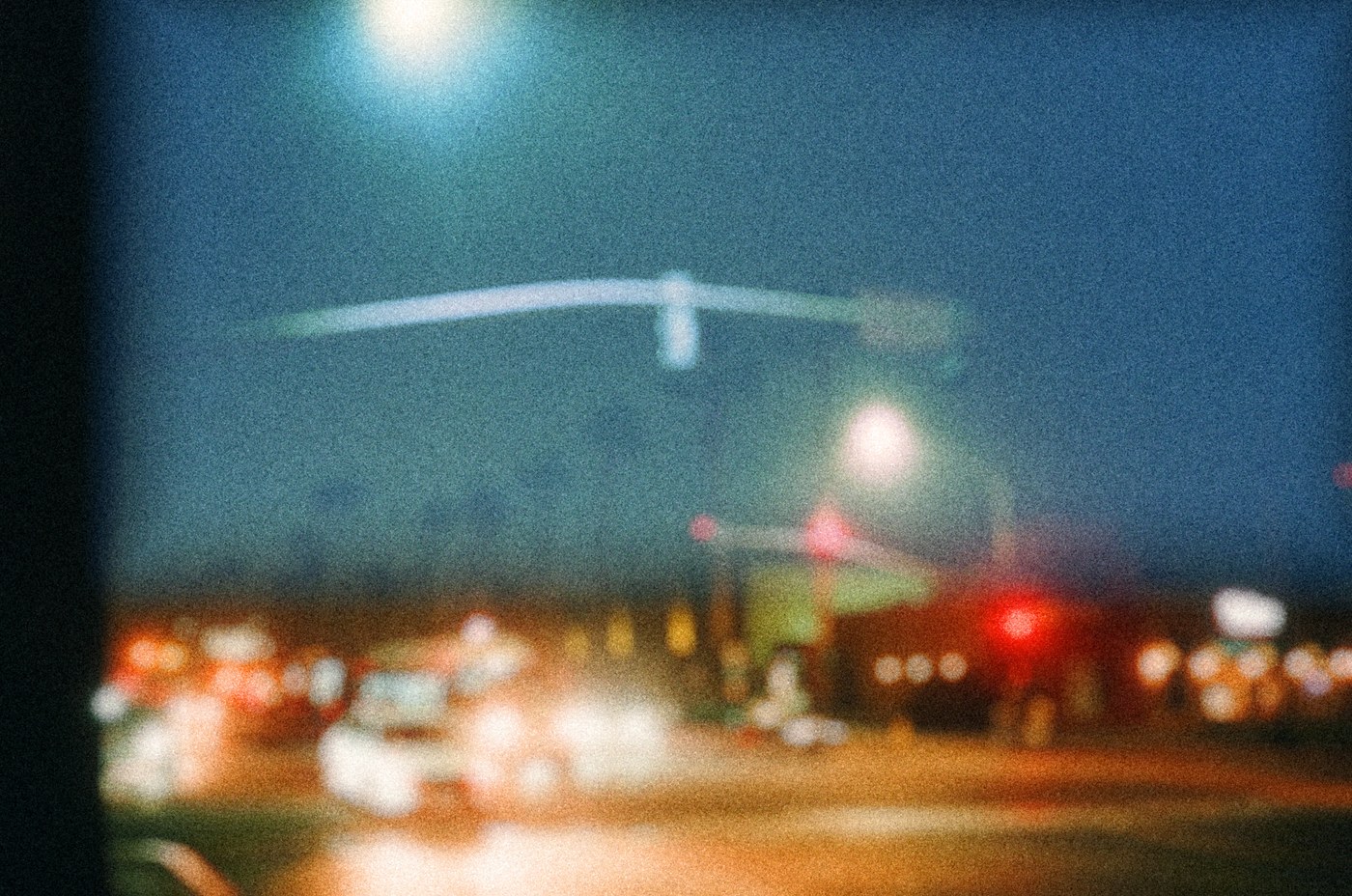
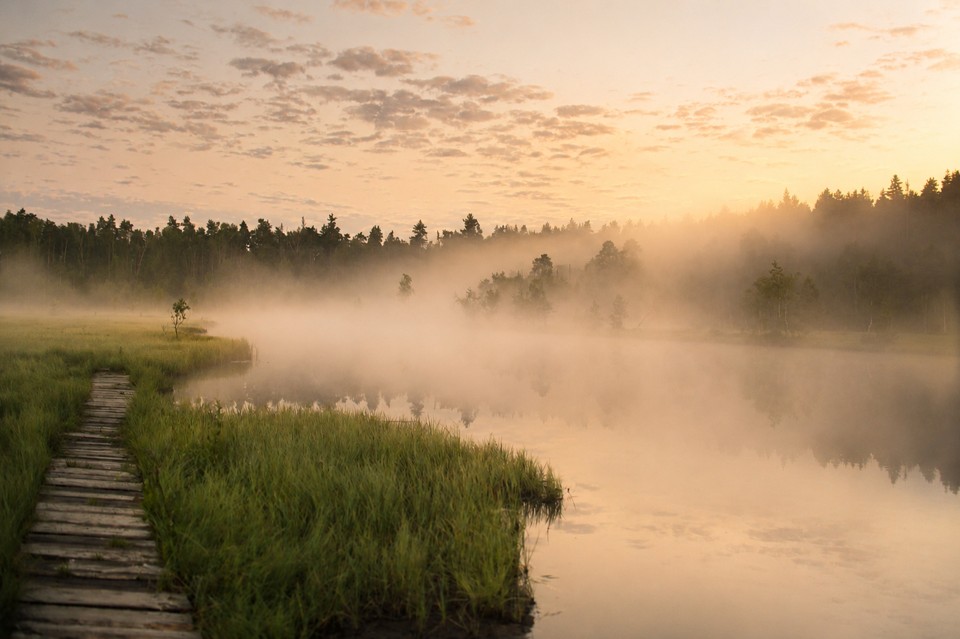
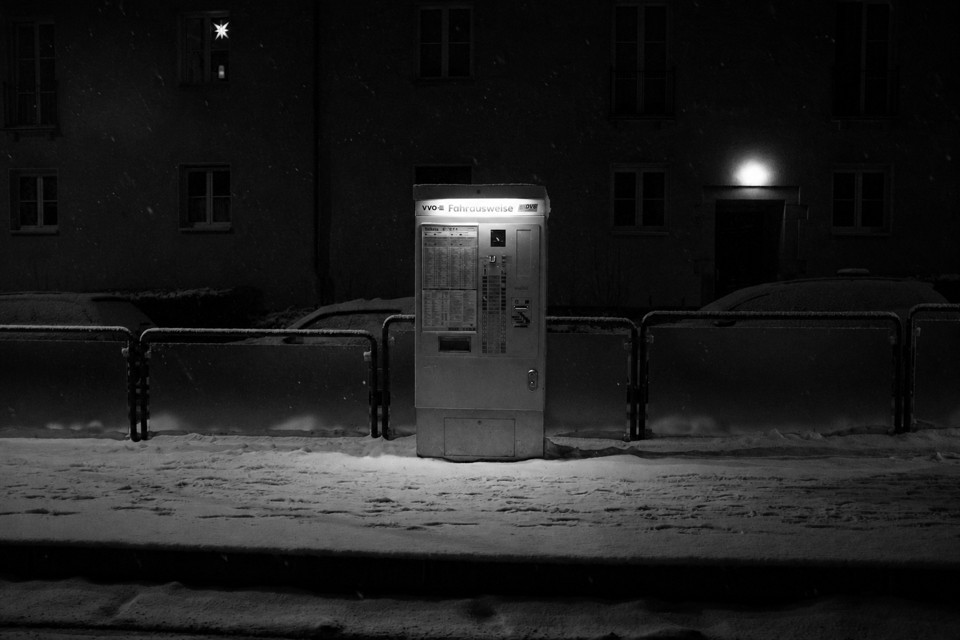
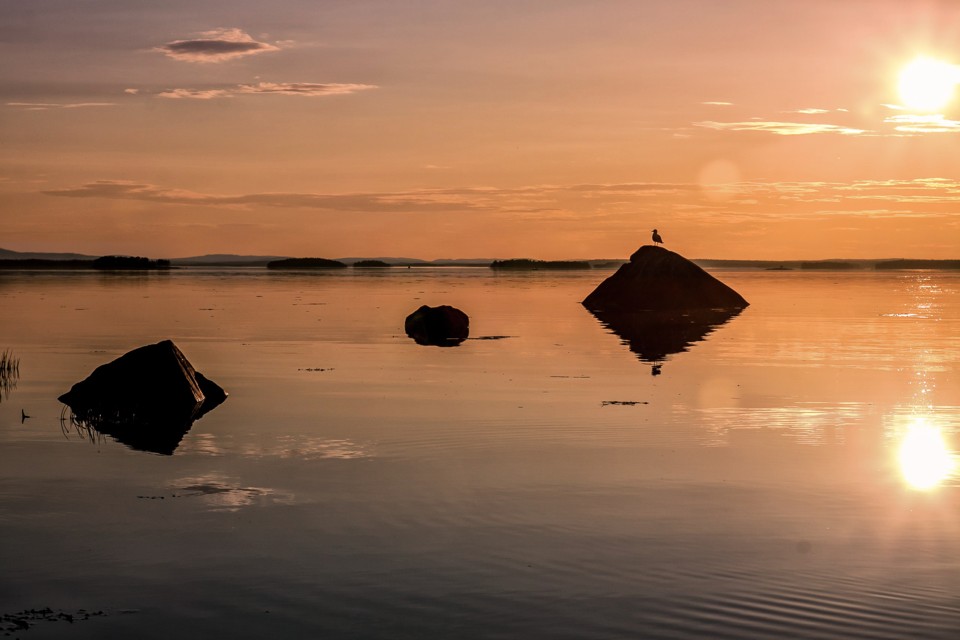
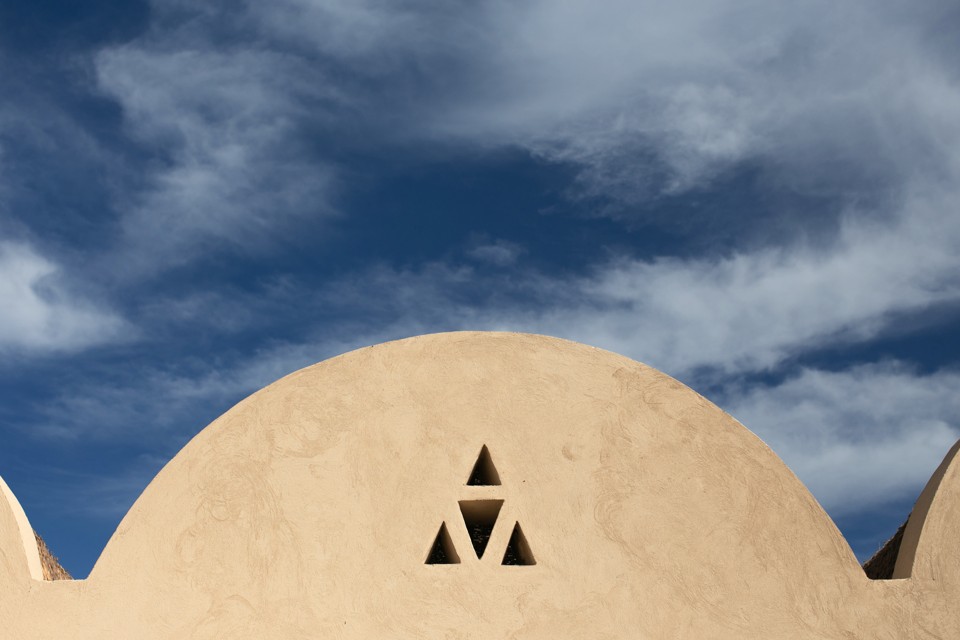
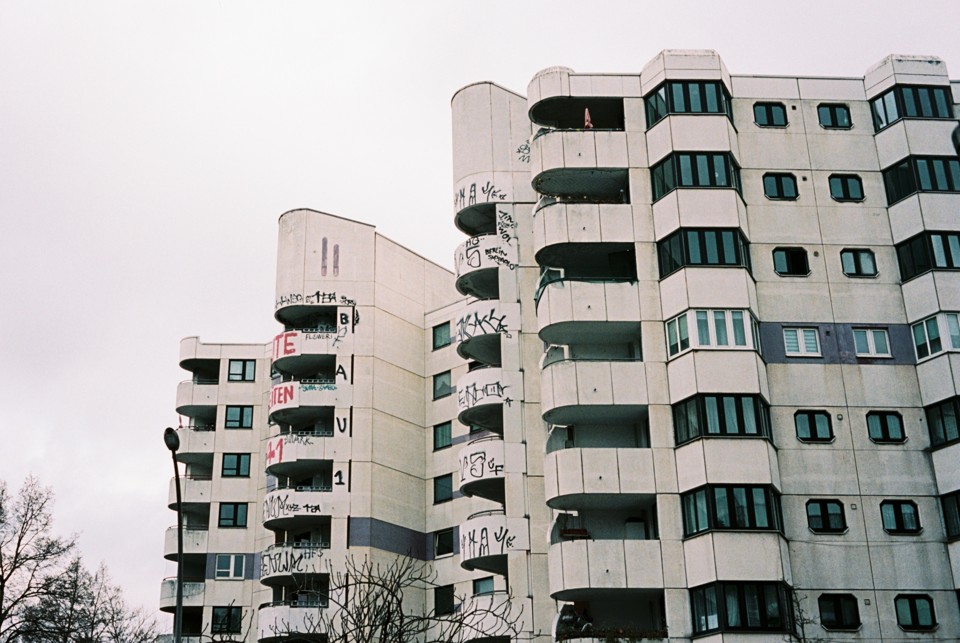
An illustrative collection using the creator’s photographs. Your references can come from different places; they don’t have to be made with Façade.
03 / California, 2025
A few photos from a trip.
An illustrative conversation
using photographs from California.
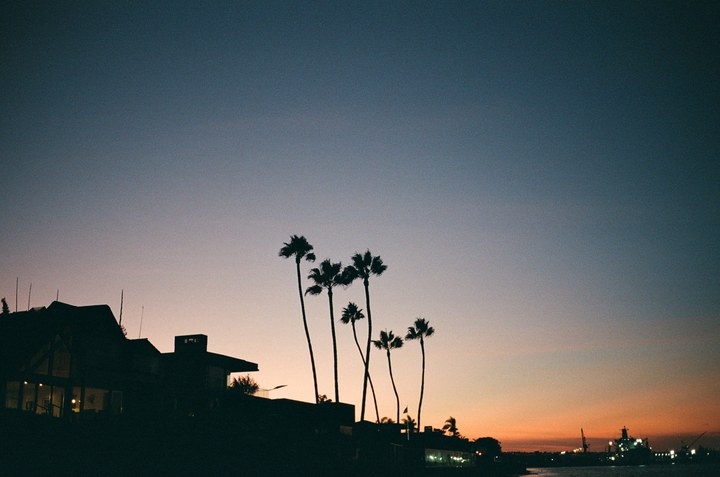
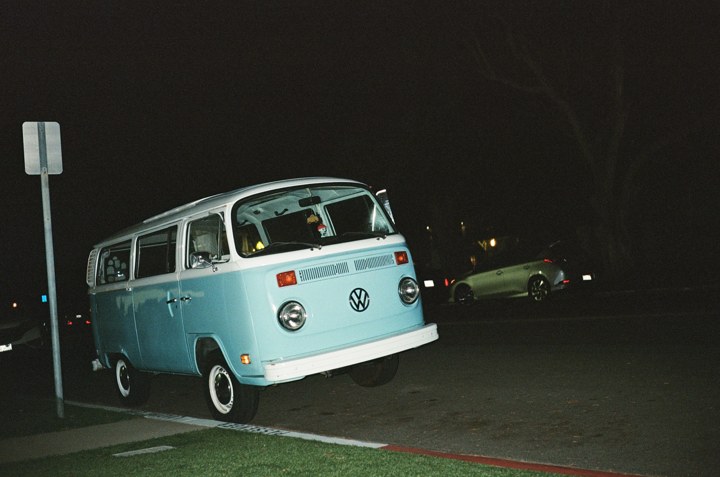
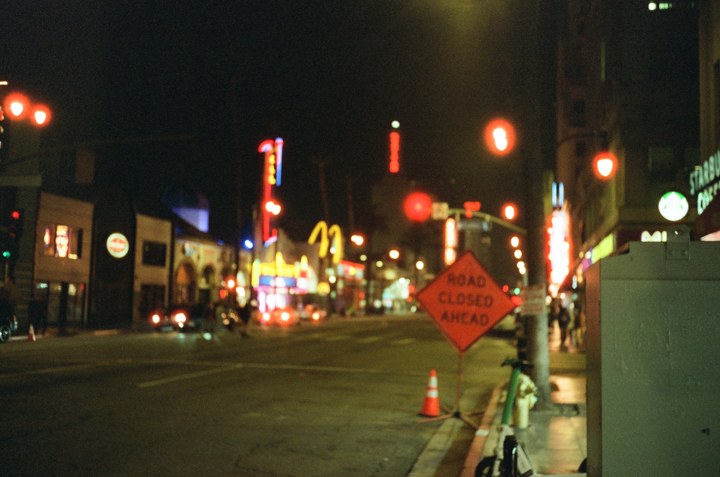
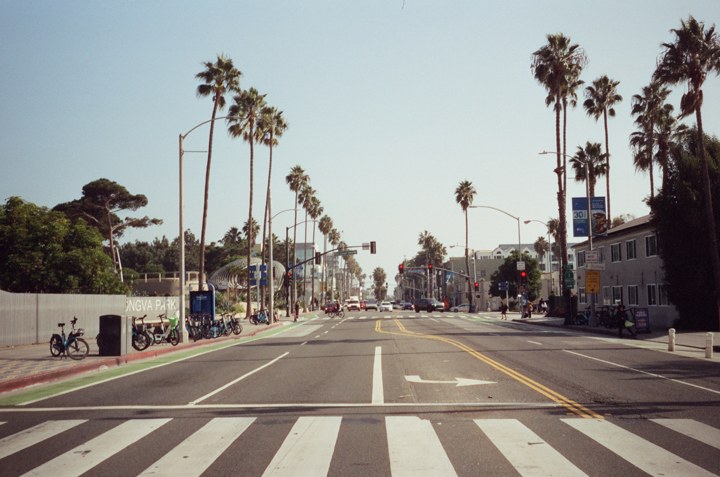
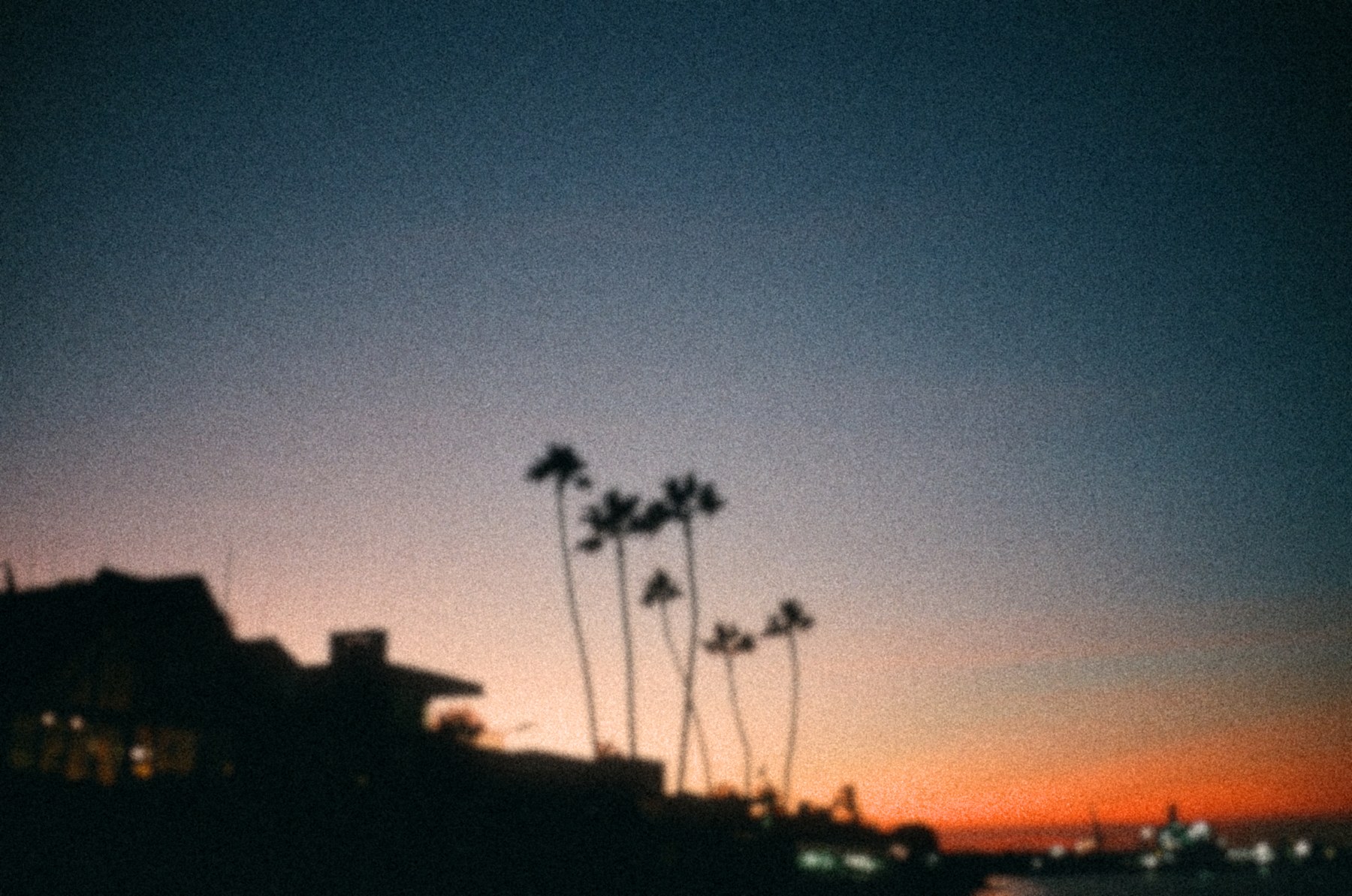
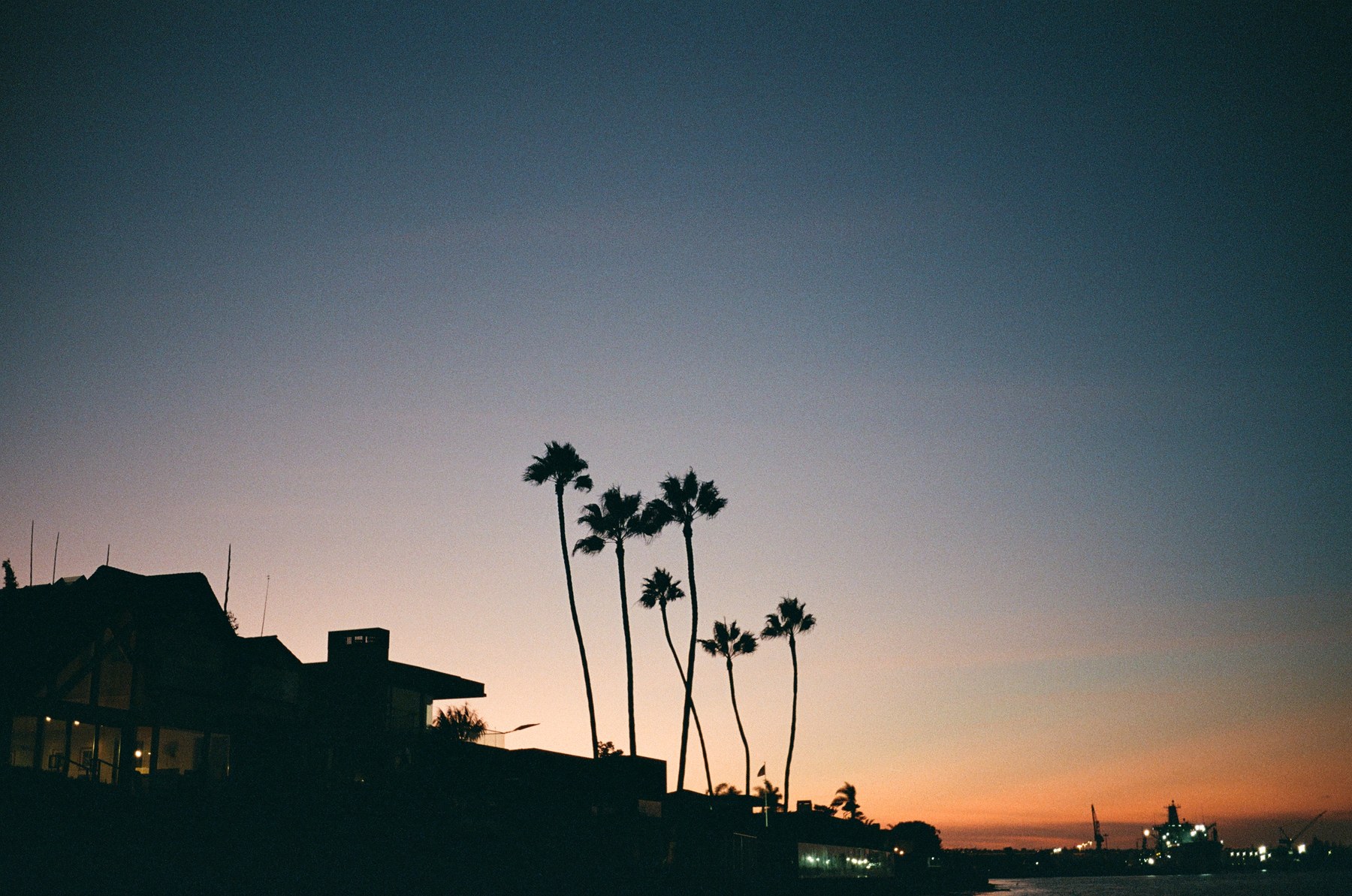 OriginalThe edit
This conversation pairs an existing edit with an illustrative reference. It isn’t a recording of the original session.
04 / Keep working
You can come back to it.
“Keep the light. Remove the tint.”
The edits are saved in a project. Your agent can read the adjustments and notes, change one correction, or return to an earlier version — even in a later conversation.
- Saved adjustments
- Curves, color, masks and retouching have their own settings. A follow-up changes the saved work; it doesn’t need to recreate the whole photograph.
- Your original stays
- The source file and earlier revisions remain available. Try another direction without losing the version you liked.
- Full resolution
- The images in chat are previews. Export at the original resolution, or ask for the size and crop you need.
- Keep editing by hand
- Export a PSD with your original, the processed image, reusable masks and supported retouch layers. Open it in an editor that supports PSD files and continue from there.
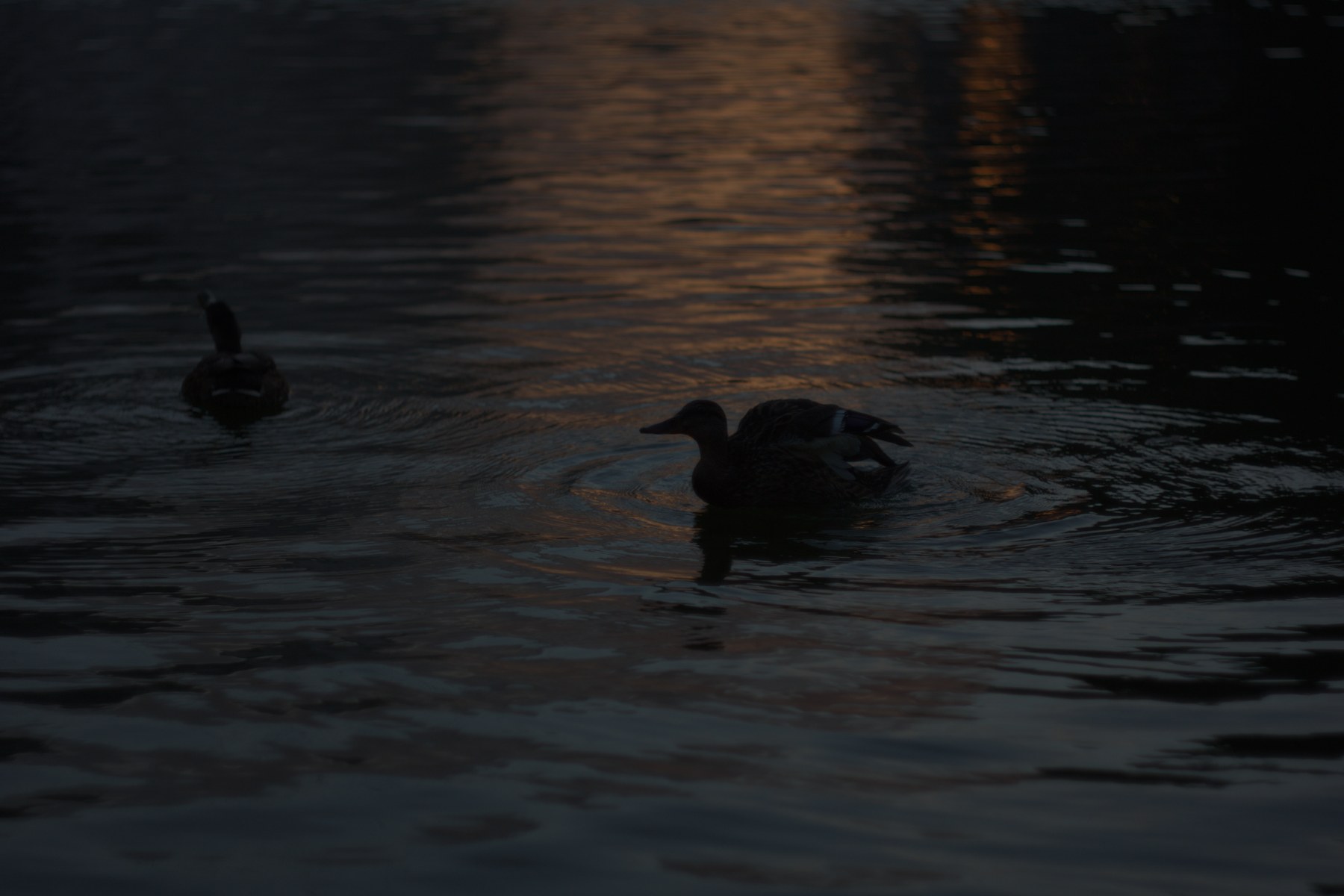
05 / An underexposed RAW
Or just fix a dark photo.
The agent develops the RAW, lifts the exposure and shifts the water toward pink.
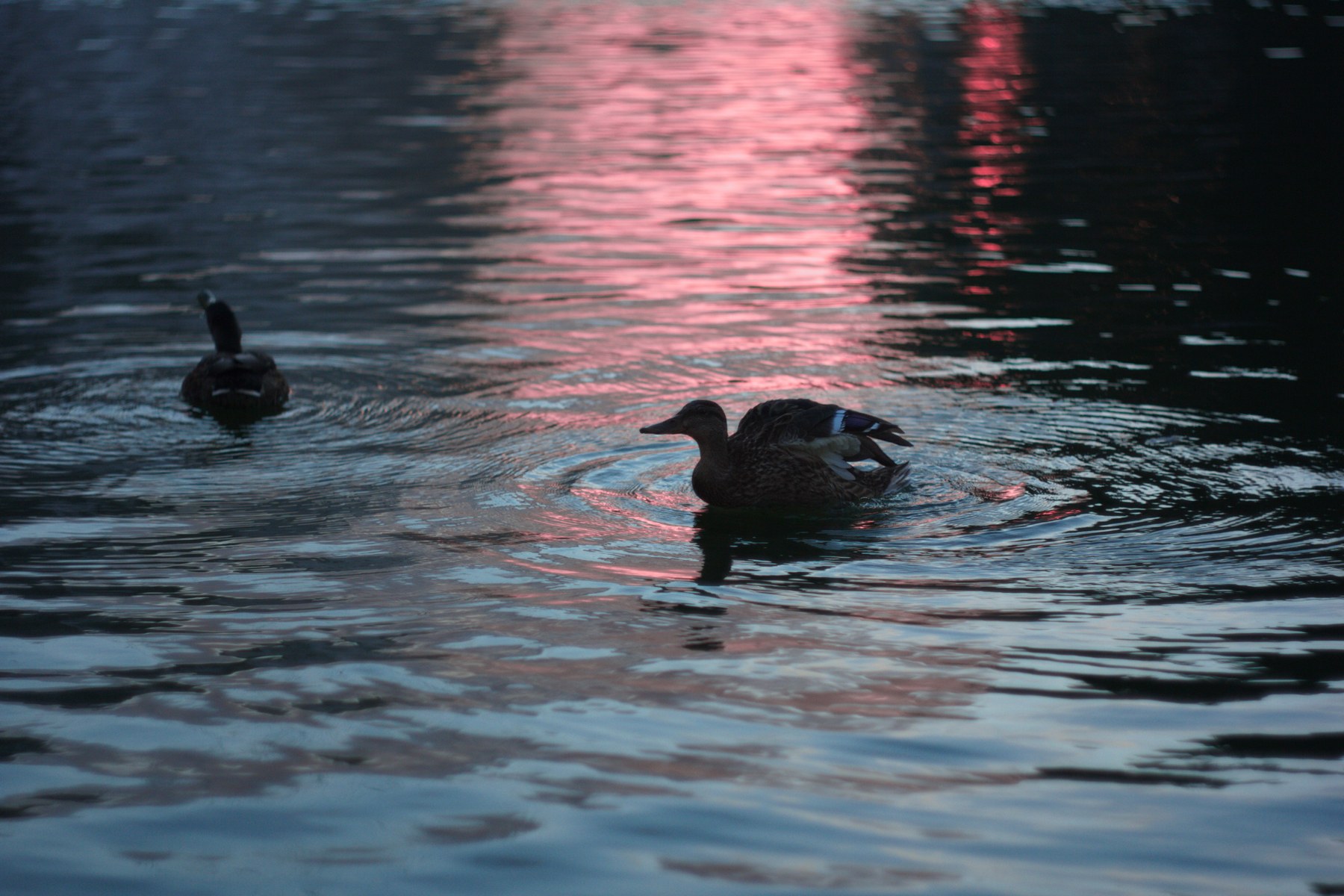
 Default RAW developmentThe edit
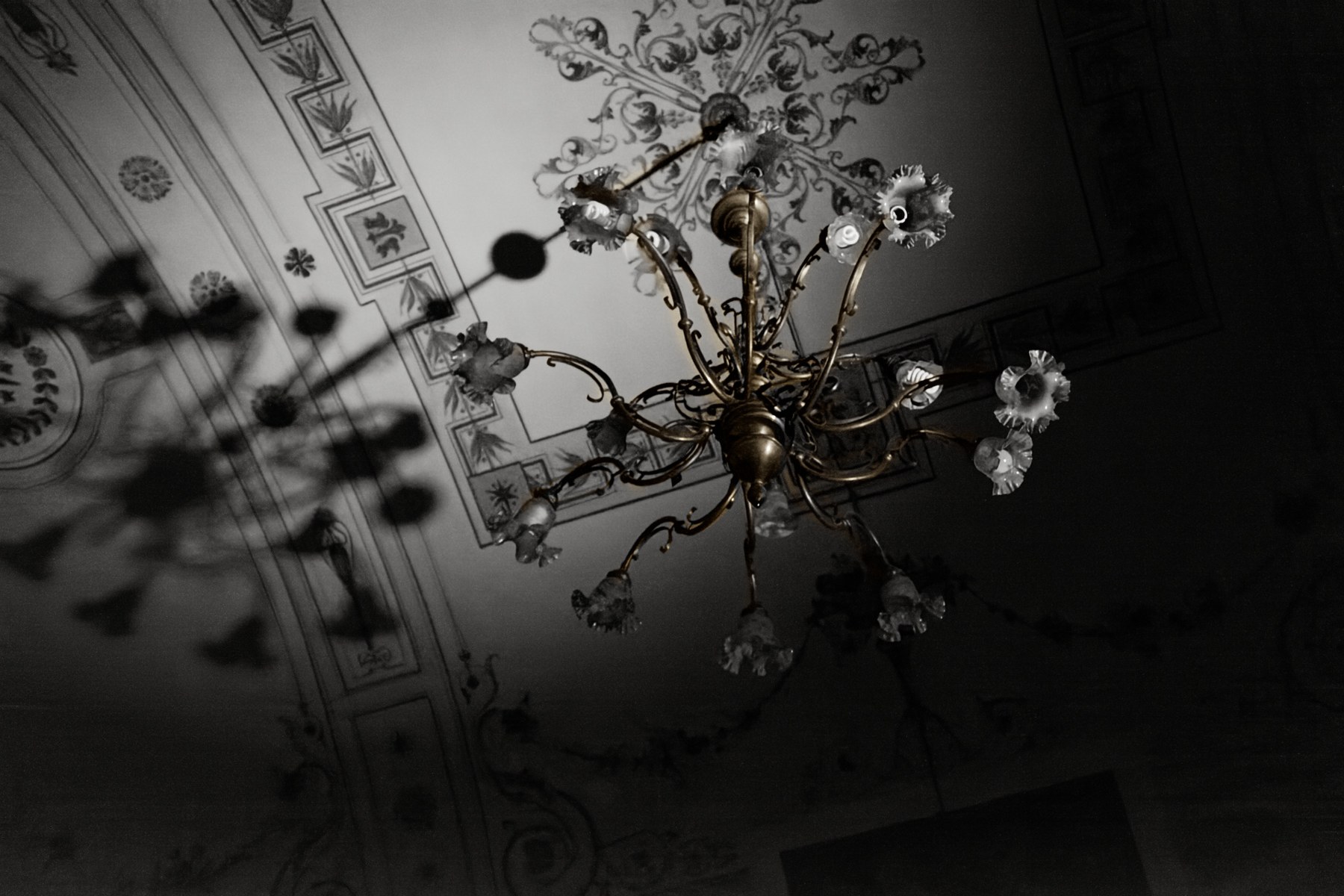
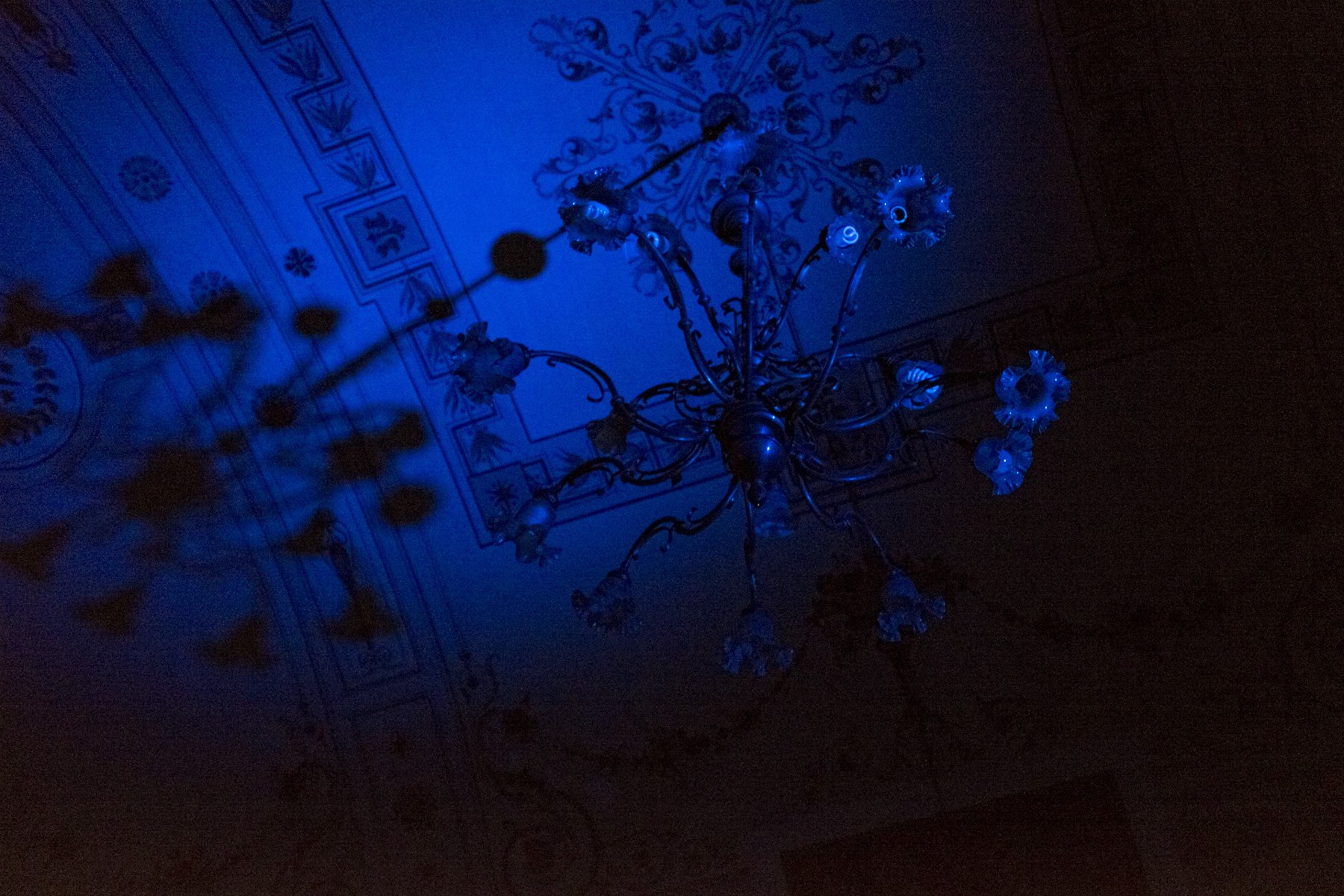
06 / Color restoration
Too much blue.
 Blue lightingRestored
Getting started
Just ask your agent.
After installing and connecting Façade, open Codex or Cursor and ask:
What can you do with Façade?
Your agent will explain what you can do and help you get started, in your language. Give it a photograph, a folder from a shoot, or a project you want to return to. You direct and choose.
Façade is a working prototype, used privately and developed actively.
Does it use my agent’s limits?
Yes. The conversation uses your existing agent account and its model usage, limits and billing rules. Façade runs the photo edits on your Mac. If you use an API key, your provider’s API charges apply.
Where do my photographs go?
Façade processes images and saves projects on your Mac. There is no Façade cloud image-processing service. Your chosen agent may send prompts, requested previews and other content it can access to its provider, depending on your setup. That provider’s own privacy policies apply.
A fully local workflow with a compatible local model and agent setup is on the roadmap.
Does it generate a new photograph?
No. Façade applies saved editing operations to your photograph: color, curves, masks, grain and retouching. The agent uses a model to decide which edits to make.
However, if a small area needs a generative repair, your agent can patch it with your permission—provided it has the image tools to do so. Generative repairs are off by default.
What carries over to a PSD?
The PSD carries the original, the processed image and the pixel masks the agent created. You can reuse those masks, and supported retouch work is included as separate masked layers.
PSD compatibility is still being improved. Not every edit carries over as an independently editable operation; color corrections are baked into the processed layer. Keep the Façade project for the complete editable history.
Façade for Mac
A working prototype.
In active development and private use.
No public download or release date yet.
Interested?
Get in touch